Turn Your eBooks
Into Interactive Flipbooks
Upload any eBooks and instantly view it as a sleek, scroll-free flipbook—perfect for reading, sharing, and presenting.
2.3M+ Satisfied Readers
How to Read eBook as Flipbooks on ReadLoudly.
Converting to your eBooks to flipbook is simple with ReadLoudly.
Here's how to get started:
Click on the "Upload" button to select and upload the eBook file you want to read as a flipbook. Alternatively, you can drag and drop the eBook file directly onto this page.
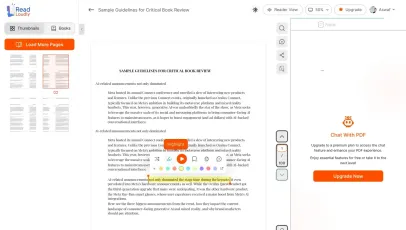
Once we process the eBook file, you'll be able to read it as a flipbook.
Features for Effortless Reading
Read and Listen Anywhere
With ReadLoudly.com, you can easily upload any PDF document and read.
Customizable Reading Experience
Once you're done reading or listening to a document, you can easily share.
Share with Ease
Once you're done reading or listening you can easily share.
Multilingual AI Chat
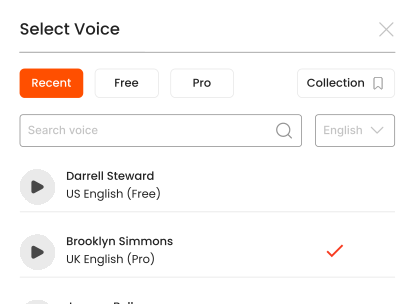
Chat with PDFs, adjust voice, and translate to your language.
No Downloads Required
You don't need to download any software or plugins to use.
Similar Readers
Looking for alternatives? Check out these tools to suit your needs.
Convert PDF to Online Flipbook
Online eBook Reader
Online eBook Reader
Read EPUB Files Online
AZW eBook Reader Online
MOBI eBook Reader Online
FB2 eBook Reader Online
CHM File Reader Online
LRF eBook Reader Online
LIT File Reader Online
PDB File Reader Online
RB File Reader Online