
Hear Your Words Before the World Does: Why Smart Authors Use Text-to-Speech to Edit Their First Drafts
Your brain edits what it meant to write. Your ears hear what's actually there. Discover the audio editing workflow that catches rhythm collapse, invisible repetition, and dialogue that looks right but sounds wrong.
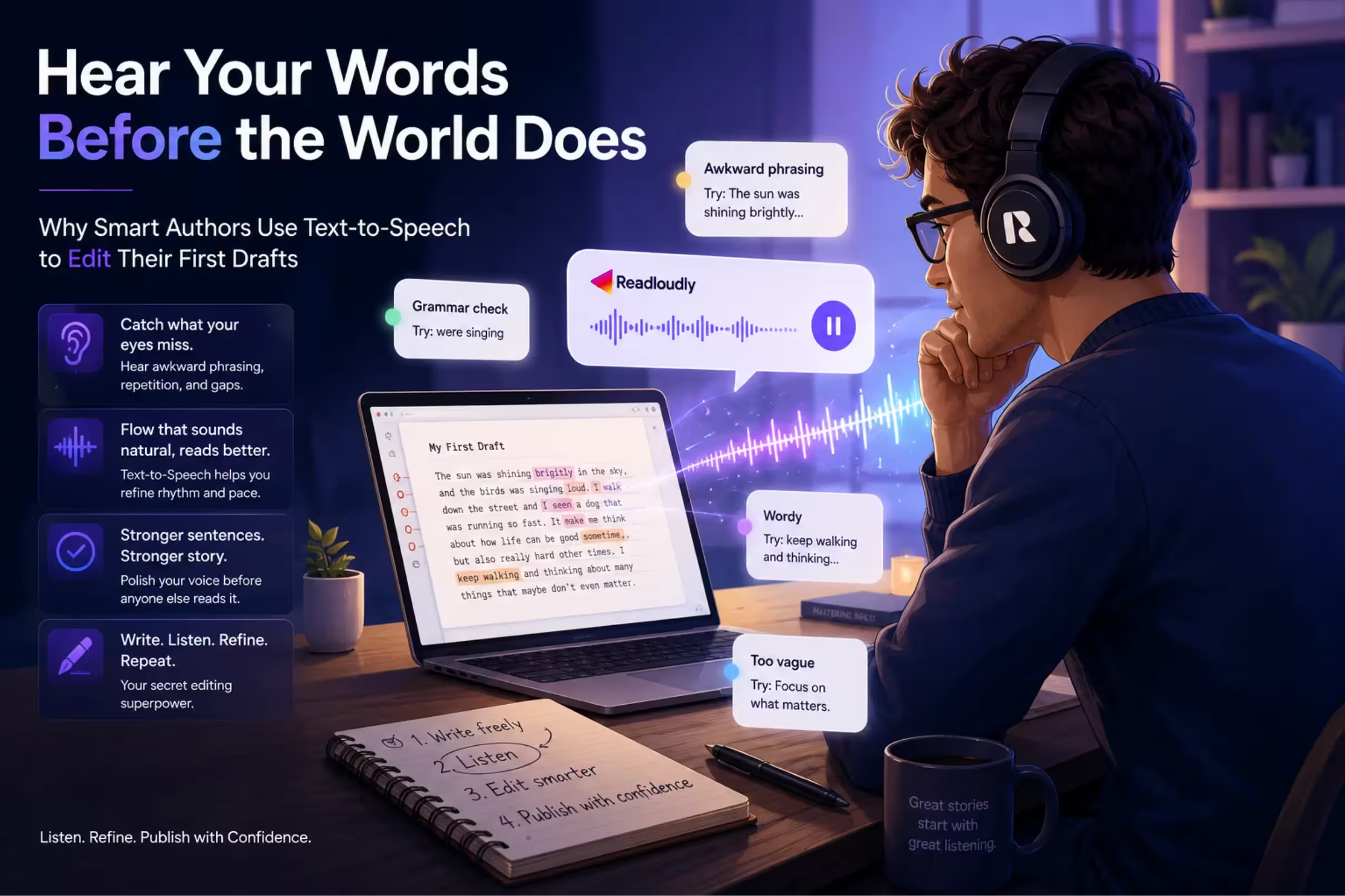
"Your brain edits what it meant to write. Your ears hear what's actually there."
There is a particular kind of blindness that only writers suffer from.
It sets in somewhere around the third time you read your own draft. Your eyes stop seeing what is actually on the page and start seeing what you meant to put there. The missing word gets filled in. The clunky sentence reads smooth. The repetition disappears. Your brain, which wrote those words and knows exactly what they were trying to accomplish, becomes the world's most unreliable editor.
Every experienced writer knows this feeling. It is why writing tutors tell you to read your work aloud. It is why editors exist. It is why putting a draft in a drawer for two weeks before revising it is standard professional advice.
But there is a faster, sharper, more revealing method — one that does not require another person, a two-week wait, or the particular self-consciousness of hearing your own voice echoing back at you in an empty room. Have your work read to you. With ReadLoudly.
The Eye Is a Terrible Proofreader — Of Your Own Words
The reason reading your own writing fails as an editing strategy is neurological, not moral. It has nothing to do with how careful you are or how seriously you take the craft.
When your brain encounters familiar text — text it generated — it engages a process cognitive scientists call prediction. Rather than reading every word, it anticipates what comes next and confirms its prediction rather than reading the actual content. This is efficient for experienced readers navigating familiar terrain. It is catastrophic for the self-editing writer.
- The missing "the" does not register because your brain predicted it was there.
- The sentence that begins the same way as the one three lines above does not stand out because your brain is pattern-completing, not pattern-detecting.
- The paragraph that runs six sentences too long feels fine because you remember the reasoning behind every one of those sentences.
Listening breaks this loop entirely. When you hear your work read aloud by a voice with no emotional investment in the manuscript — no memory of the intention behind a sentence — your brain shifts out of prediction mode and into reception mode. You hear what is actually there. Not what you meant. Not what you remember writing. What exists, word by word, on the page.
Visual Re-reading
Your brain fills in what it expected to write. Missing words appear, awkward sentences smooth out, and repetitions vanish — because prediction overrides perception. You see the draft you intended, not the one that exists.
Audio with ReadLoudly
A voice with no authorial memory reads exactly what is there. Prediction mode switches off. You hear the missing word, the clunky sentence, the repetition — because the text is no longer yours to complete automatically.
ReadLoudly tools: Text to Speech · PDF Reader · Notes to Audio
What You Hear That Your Eyes Will Never Catch
Writers who use text-to-speech as an editing tool consistently identify the same categories of problems that audio surfaces — problems that survive multiple visual read-throughs undetected.
Rhythm Collapse
Good prose has rhythm. Sentences of different lengths create forward movement, create pause, create breath. When rhythm collapses — when you have written seven sentences of roughly the same length in a row — the reader feels it as a vague tedium they cannot quite name. They slow down, drift, lose the thread.
Your eyes, reading familiar text, cannot feel this. Your ears catch it within two or three sentences. The monotony becomes audible before you can intellectually diagnose it.
The Invisible Repetition Problem
You have a word you reach for without knowing you reach for it. Every writer does. For some it is "suddenly." For others it is "that" or "just" or "somehow" or "began to." For fiction writers it might be a character's signature gesture — she smiled, she frowned, she crossed her arms — appearing so frequently it stops meaning anything.
Visual proofreading catches obvious repetition: the same word twice in a single sentence. It misses the word that appears eleven times across twelve pages. Audio catches it by the third occurrence. The ear has a more finely tuned repetition detector than the eye because sound, unlike text, is inherently sequential — you cannot glance ahead or skim.
Dialogue That Doesn't Breathe
This is the one fiction writers report as the most transformative application of audio editing. Dialogue that looks natural on the page — trimmed, attributed, punctuated correctly — can sound entirely artificial when spoken. Characters who should have distinct voices bleed into each other. Conversations that should crackle with tension feel flat when heard.
When you listen to your dialogue through ReadLoudly, you are essentially giving it a table read. And a table read reveals in minutes what months of visual editing missed: that two of your characters sound exactly like each other, that your protagonist's wit becomes grating at pace, that the interruption you wrote does not land the way you imagined it.
Pacing That Reads Fast but Listens Slow
Writers often mistake visual pace for narrative pace. A scene can look quick on the page — short paragraphs, brisk dialogue, white space — while actually moving at a crawl. The action is described in too much detail. A character thinks for too long. The same emotional beat lands twice in the same scene.
Audio pacing and visual pacing feel different because listening is a fixed-speed activity in a way that reading is not. When you read, your speed adjusts unconsciously to compensate for slack. When you listen, you experience the slack directly. A scene that drags becomes physically obvious to the ear.
The Sentence That Doesn't Survive Being Heard
Every draft has them: sentences that look impressive on the page and are, on hearing, completely impenetrable. Long subordinate clauses. Nested qualifications. The sentence that requires three re-reads to parse — except you never noticed because you already knew what it meant.
Hearing a complex sentence once — without the ability to slow down and re-read — reveals immediately whether it communicates or merely performs complexity. If you lose the thread while listening, your reader will lose it too.
ReadLoudly tools: Text to Speech · PDF Reader · Notes to Audio · Adjustable Playback Speed
How to Use ReadLoudly as an Editing Tool
The workflow is simpler than most writers expect, but there are techniques that make it significantly more effective.
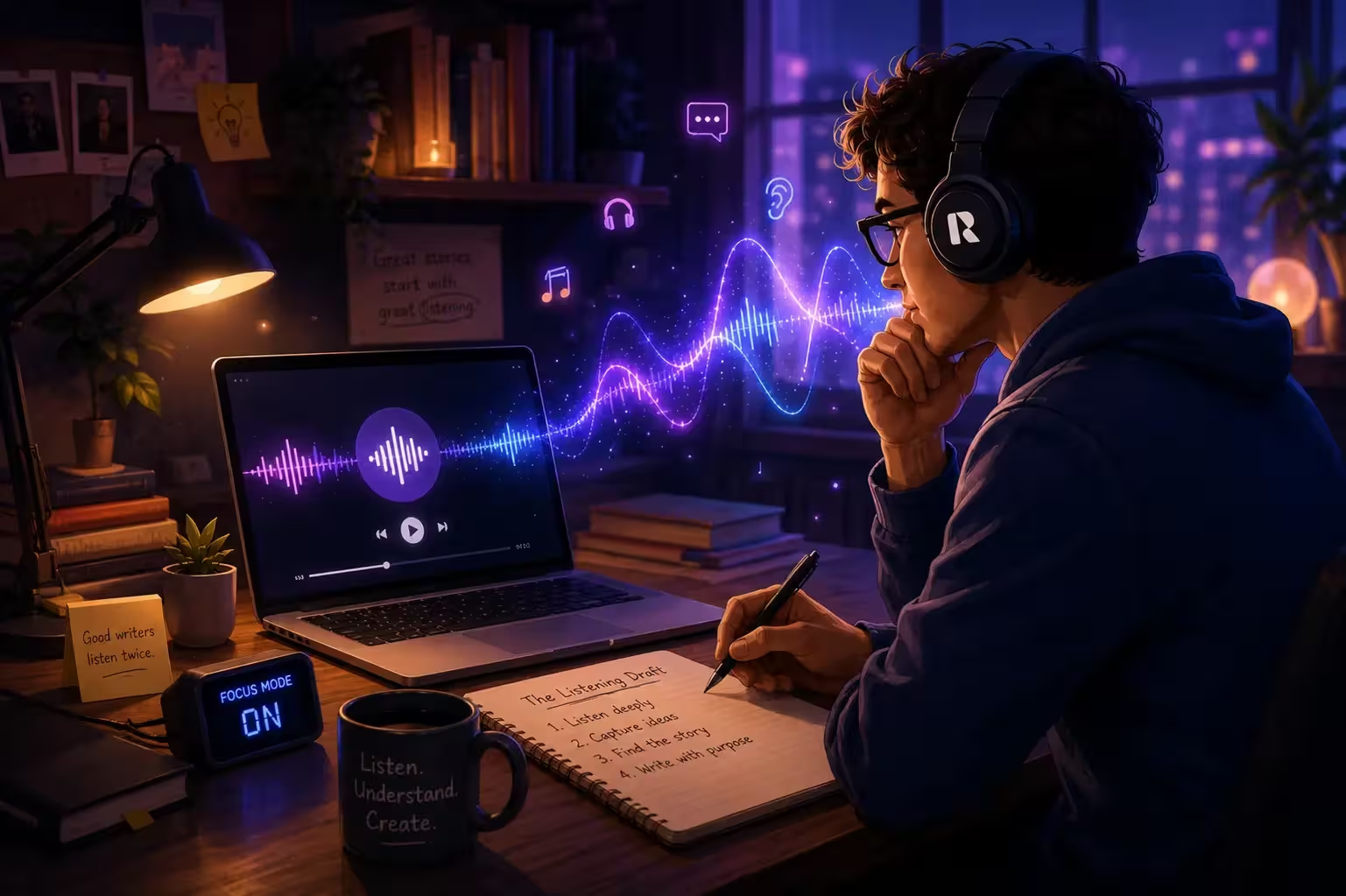
- The Listening Draft: After completing a full draft, before making any revisions, do a complete audio pass. Upload your manuscript — or a chapter, if the full document is long — to ReadLoudly PDF Reader and listen through in one sitting or across a few sessions. Do not stop to make corrections as you go. Keep a notepad beside you and mark timestamps or chapter references when something sounds wrong, but keep listening. What you want from this pass is a feel for the whole draft — where it moves, where it stalls, where the voice feels alive and where it feels mechanical.
- The Targeted Edit Listen: After your initial visual revision — once you have addressed structural issues, plot problems, argument gaps — do a second audio pass at the sentence level. Set ReadLoudly to a slightly slower pace than feels comfortable: 0.9x or 1.0x. The slight slowing prevents your brain from racing ahead and forces you to hear each sentence individually. This is where rhythm problems surface, repetitions accumulate, and dialogue reveals itself. Have a document open for edits as you go.
- The Final Read: Before a manuscript goes to your editor, beta readers, publisher, or the world — listen to it one more time. Not to catch everything. Just to hear it as a whole. You will be surprised how different it feels from your first listening draft. The prose moves differently. The voice is more consistent. The pacing holds. And occasionally you will hear one last sentence that slipped through every previous pass. Catching it now, with ReadLoudly, costs ten seconds. Catching it in reader reviews costs considerably more.
Edit While Reading
Fix sentences as you re-read them. Miss the rhythm collapse you cannot feel visually. Miss the repetition that only becomes obvious by the eighth occurrence across the chapter. Miss the dialogue that looks right but sounds wrong.
Listen First, Edit After
Diagnostic pass first — hear the whole draft, mark problems, keep moving. Then surgical edit pass at 0.9x–1.0x, sentence by sentence. The corrections are more precise because the diagnosis was more honest.
ReadLoudly tools: PDF Reader · Notes to Audio · Text to Speech · Adjustable Playback Speed
For Different Writers, Different Revelations
The editing benefits of audio are consistent across all types of writing, but they manifest differently depending on what you write.
- Fiction writers find the greatest value in dialogue and pacing. The table-read quality of listening reveals character voice inconsistencies and the emotional register of scenes in ways visual editing simply cannot replicate.
- Non-fiction and essay writers find it most useful for argument structure and sentence clarity. The listener cannot flip back to re-read a paragraph they did not follow. If the logic does not track linearly, audio exposes it mercilessly.
- Bloggers and content writers tend to discover two things: their sentences are longer than they realised, and their openings — the first two or three paragraphs — are significantly weaker than the rest. Audio exposes lede-burying with brutal efficiency.
- Copywriters use audio to test the persuasive rhythm of their work. Good copy has a cadence — a pull that keeps the reader moving forward. Hearing copy reveals whether that cadence is there or whether it has been written into but not written through.
The Famous Company You'll Be Keeping
Reading work aloud as an editorial practice is not new or niche. It is the recommendation of nearly every major writing instructor and the private habit of a significant number of working writers.
John Irving famously reads his novels aloud — all of them, in full — before considering them finished. Neil Gaiman records himself reading every draft. Script doctors in Hollywood do full table reads precisely to catch what the eye misses on the page.
The tradition is long. The logic is unchanged. Hearing what you have written tells you things about it that seeing it never will.
What has changed is how accessible — and how practical — the audio editing experience has become. You no longer need a recording studio, an audience, or even an undisturbed hour. You need ReadLoudly, a pair of headphones, and the willingness to hear your work as a reader would — fresh, sequential, without the scaffolding of authorial intention propping every sentence up.
The Objection Worth Taking Seriously
Some writers resist text-to-speech editing because a synthesised voice cannot convey the full emotional texture of their prose. The irony reads flat. The pathos does not feel.
This is partly true — and entirely beside the point.
You are not listening to check whether the AI sounds moved by your writing. You are listening to check whether the writing is doing what you intended. The synthesised voice is not an actor delivering your lines. It is a mirror held up to your sentences at an unflattering angle, with all the flattering interpretive choices stripped away.
The AI does not know that the word choice you are unsure about is probably fine. It does not know that the reader will get what you meant. It reads what is there. Which is, on reflection, exactly the editing tool you need.
Visual Editing vs Audio Editing: What Each Catches
| Problem Type | Visual Re-reading | Audio with ReadLoudly |
|---|---|---|
| Missing words | Often missed — brain predicts and fills them in automatically | Always caught — the pause or mispronunciation is immediately audible |
| Rhythm and sentence length | Very difficult to feel visually — monotony reads as normal | Audible within two or three sentences — the ear detects monotony before the brain can name it |
| Word repetition across pages | Only catches obvious same-sentence repetition; misses patterns across paragraphs | Caught by the third occurrence — sequential hearing has no skim mode |
| Dialogue naturalness | Punctuation and attribution look fine; actual voice distinctness is invisible | Flat dialogue and character voice blending surface immediately on first listen |
| Pacing and scene drag | Reading speed adjusts to compensate; slack is invisible to the visual reader | Listening is fixed-speed — drag is felt directly and physically as the scene unfolds |
| Impenetrable sentences | Can re-read as many times as needed; authorial knowledge papers over gaps | One listen, no re-read — if you lose the thread, your reader will too |
| Typos and grammar errors | Caught reliably with careful reading and spellcheck | Also caught — mispronunciation or awkward pause flags the error audibly |
Before the World Hears It
Every piece of writing you release into the world will be heard — in some form. Someone will read it to themselves, sub-vocalising your sentences. Someone will read it aloud to their partner. Someone will have their browser or their phone read it to them.
The question is whether you heard it first.
The writer who listens to their work before it goes out is not being precious or perfectionistic. They are simply doing what the finished reader does — encountering the text as sound, as sequence, as an experience that unfolds in time — and making sure that experience is as good as it can be.
ReadLoudly gives you that encounter before anyone else gets it. Upload your current chapter. Listen to five pages before you do anything else today. You will know within the first paragraph whether this is going to become part of your process. It usually does.
- Upload any manuscript, chapter, or draft to ReadLoudly PDF Reader — supports PDF, DOCX, EPUB, and TXT
- Paste notes or excerpts directly into Notes to Audio for instant audio playback without a file upload
- Use Text to Speech for short-form copy, blog posts, and individual paragraphs
- Adjust playback speed — 0.9x for detailed sentence-level editing, 1.25x for a pacing pass
- Free tier covers the complete writing and editing workflow — no credit card required. Premium plans start at $5/month (Core), $10/month (Plus), $19/month (Pro)