
Ad 320×100 (Mobile 1)

Ad 160×600 (hero-left)
Split & Extract PDF Pages
fast, free and private
Split PDF files online for free. Extract pages, split by range, or divide every N pages. 100% client-side — your files never leave your browser.
Opens in the ReadLoudly reader. Free, no signup.
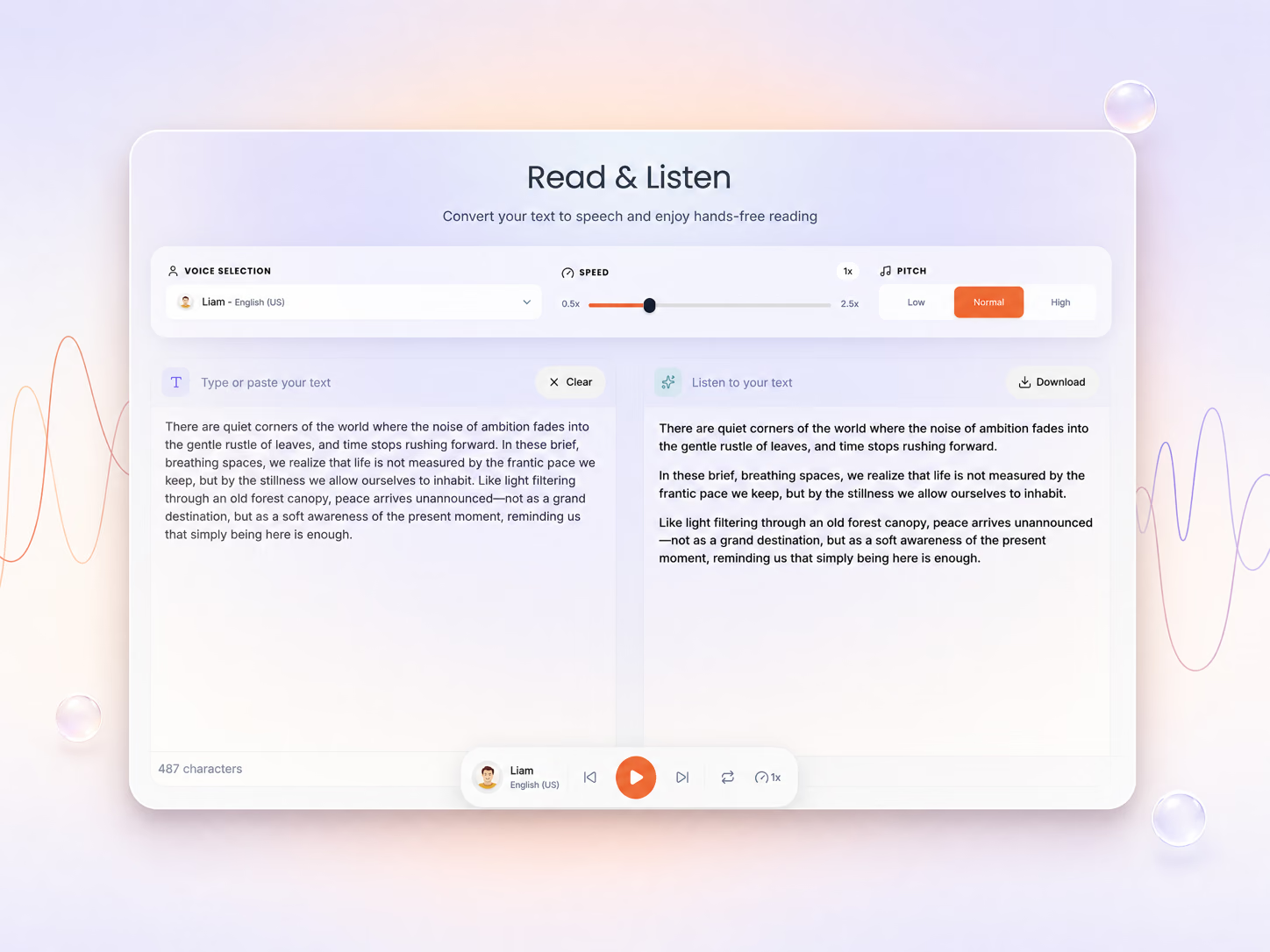
Hear the voices before you listen
Ad 160×600 (hero-right)
document.pdf
0 Pages • 0 KB
Your Split Files
How To Split a PDF?
Split your PDF into multiple files in seconds — no uploads, no waiting, 100% private.
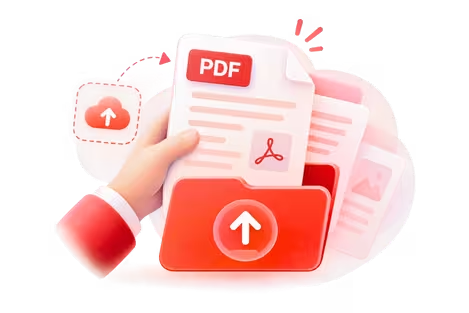
Upload Your PDF
Add your file — everything runs in your browser, nothing is uploaded.
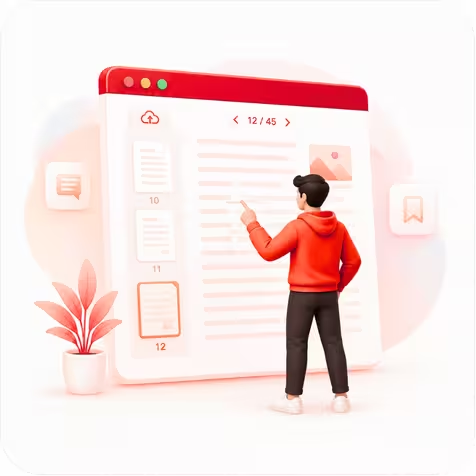
Choose What to Split
Pick Split, Extract or Size mode, then choose the pages you need.
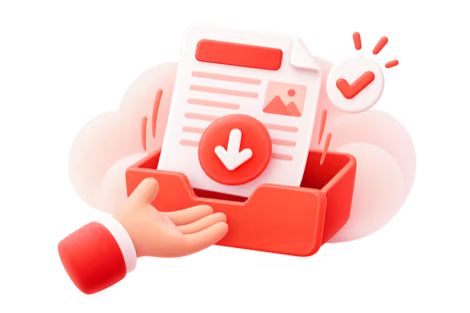
Split & Download
Click Split PDF, then download each part or all of them as a ZIP.
How Splitting Works in Your Browser
The three split modes, what happens to your file, and how to fix the common snags.
Your PDF never leaves your device
Once you add a PDF, the page loads two open-source PDF libraries, PDF.js and pdf-lib, into your browser tab. Splitting and extracting happen in your device’s memory, nothing is sent to a server, and closing the tab clears it all.
Three ways to split
Split cuts the file at points you mark between pages, by custom page ranges, or into fixed chunks of N pages. Extract copies the pages you tick into one new PDF. Size breaks the file into parts that each stay under the MB limit you set.
Password-protected PDFs will not open
The splitter cannot read encrypted files. Open the PDF in the app you normally use, save or print an unlocked copy, then add that copy here.
Works on phones, tablets and computers
Use Chrome, Safari, Edge or Firefox on Windows, Mac, Chromebook, iPhone or Android, with nothing to install. Long PDFs preview faster on a laptop, because your own device does the work.
Why Split Your PDF Online?
Whether you need to share a single chapter, extract a few pages, or break a large document into manageable parts — our free PDF splitter handles it all instantly.

Fast & Free
No sign-up, no waiting, no cost. Upload your PDF and get split files in seconds using your own device's processing power.
Zero cost
100% Private
Your PDF never leaves your browser. All splitting is done client-side using PDF-lib, so sensitive documents stay completely private.
Client-side only
Flexible Splitting
Three powerful modes: split by custom page ranges, divide into equal chunks, or extract exactly the pages you need into one file.
3 split modesFrequently Asked Questions
Everything you need to know about this tool.
Upload your file, choose Split, then By Range, switch to Fixed and set it to 1 page per file. Every page becomes its own PDF, and you can download them one by one or all together as a ZIP.
Yes! In our "Extract Mode," you can simply click on the thumbnails of the specific pages you need, even if they aren't next to each other. We'll bundle them into a single new PDF for you.
Not in Split or Extract mode: pages are copied as they are, so text stays selectable and images keep their resolution. The one exception is Size mode. If a single page is larger than your size limit on its own, that page is saved as a compressed image so it fits.
Yes. Every page thumbnail has a "Rotate" icon. You can fix the orientation of any page before you split or extract, so your final documents are perfectly oriented.
Each PDF can be up to 50 MB as a guest, or up to 500 MB on paid plans. Splitting runs on your own device, so a very long file takes longer to preview on a phone than on a computer.
More on working with PDFs
Guides and comparisons from the ReadLoudly blog on getting more out of listening to your documents.

Start listening smarter today
Join 4M+ readers who've transformed how they consume content. Turn any document into an engaging audio experience in seconds.