
Listen to a Research Paper: Fix 5 PDF Audio Faults
Two columns read across the gutter, citations spoken in full, notation with no spoken form, captions cutting in mid-sentence, scans with no text layer. The mechanism behind each, and the fix.
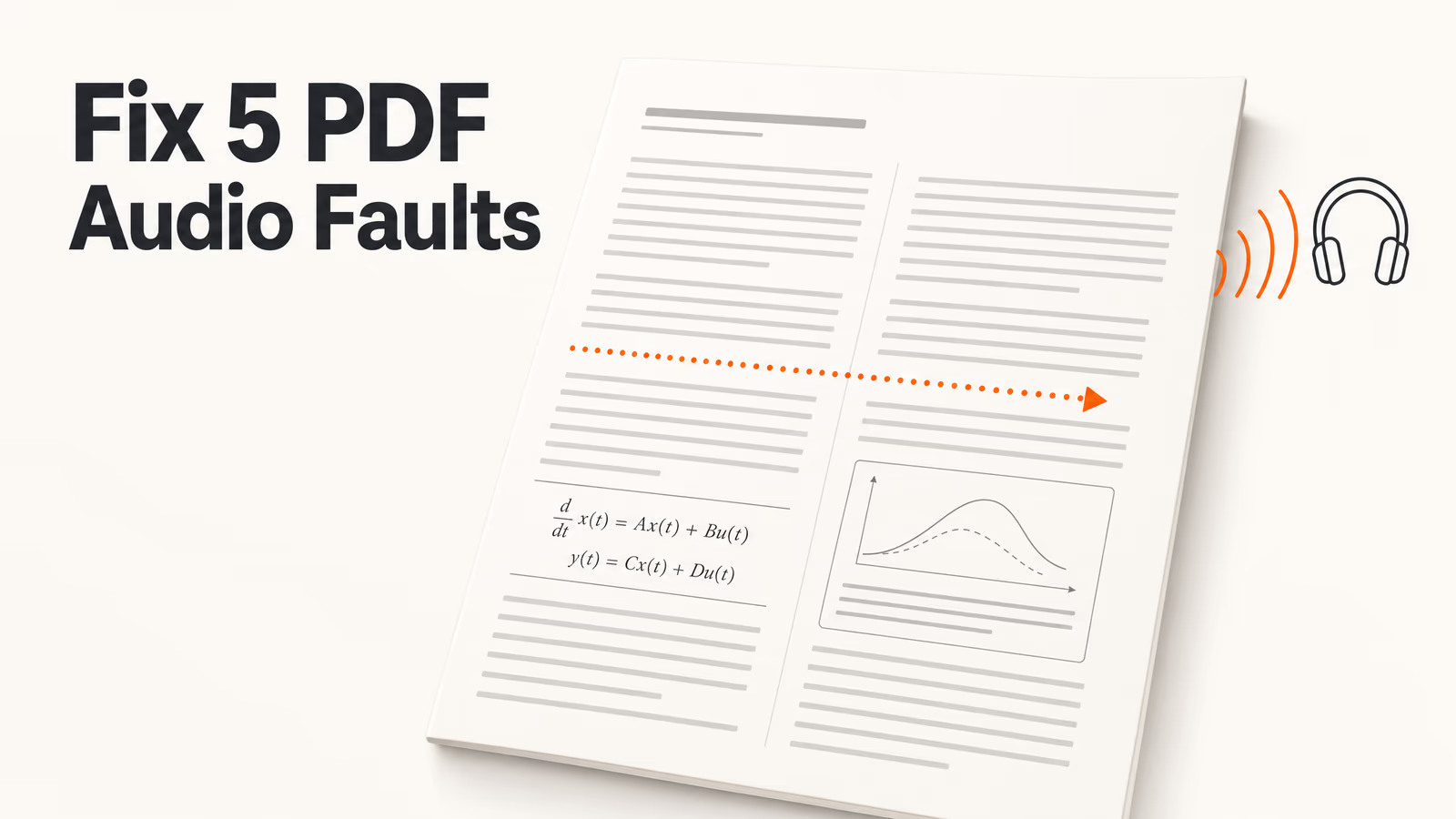
"A novel read aloud sounds like a novel. A journal article read aloud often sounds like someone shuffling two decks of cards. That is not the voice failing. It is the page layout."
Press play on a paperback chapter and it works. Press play on a double-column journal PDF and the first sentence arrives as a fluent, grammatical, completely meaningless sequence of half-clauses. Most people conclude the voice is bad, try three more apps, and get the same result.
Academic PDFs defeat text-to-speech for structural reasons that have nothing to do with speech synthesis. Below is the mechanism behind each one and what to do about it. For the workflow built on top (how many passes, what speed, which sections) see the guide to reading research papers aloud.
Key Takeaways
- A PDF stores glyph positions, not reading order. Two-column papers read straight across the gutter because nothing in the file says the columns are separate.
- Five faults cause almost every failure: the gutter, inline citations, notation, floating captions and footnotes, and a missing text layer.
- Two minutes of checking saves an hour. Listen to the first paragraph of the introduction before committing to a 40-page paper.
- For mathematics-heavy papers, be honest about the ceiling. Audio gives you the argument. It does not give you the notation, and no voice will fix that.
The Short Answer
Academic papers break text-to-speech because a PDF records where each character sits on the page, not the order a human reads them in. Journal typesetting adds four hazards on top: inline citations, mathematical notation, floating captions, and scanned pages with no machine-readable text at all.
Each of the five has a specific fix, and none of them is "find a better voice". Diagnose the fault, apply the remedy, and most papers become listenable. A minority (dense proofs, notation-first theory) never will, and knowing which is which is most of the skill.
Why a Paper Breaks a Reader When a Novel Does Not
The root cause is that PDF is a description of a printed page, not a document structure. When a typesetter produces a journal article, the file that comes out says, in effect: put the glyph "T" at this coordinate, then "h" slightly to its right, and so on for every character on the page. There is no paragraph and no column. Those things exist in your visual perception of the page, not in the file.
A reader therefore has to reconstruct reading order from geometry, grouping characters into lines and lines into blocks. For a novel that is trivial: one column, consistent margins, nothing floating. For a journal article it is a real inference problem, and academic layout conventions are close to a worst case for it.
It is also why the publisher's version and the author's preprint of one article often behave differently: different typesetting pipelines. Nothing about your voice settings is involved.
The useful mental model: your reader is not reading the paper. It is guessing what order the characters on the page were meant to be read in. Everything below is a case where academic typesetting makes that guess hard.
Fault 1: The Gutter, Where Two Columns Become One Sentence
This is the most common failure and the easiest to recognise: the audio is fluent but meaningless, because each spoken line is the left column's line followed immediately by the right column's. You hear grammatical fragments stitched to unrelated ones, roughly every six to twelve words.
It happens when the extraction treats a horizontal band of the page as one line of text. Both columns sit in that band, so both get read, left to right, across the white space between them. That white space is a visual signal to you and nothing at all to the extractor.
What to do, in order of how much effort it costs you:
- Test before you commit. Play the first paragraph of the introduction. If the second clause does not follow from the first, you have the gutter problem, and it cost you twenty seconds to find out.
- Use a reader that detects columns. Column-aware extraction reads the left column to the bottom of the page before starting the right. ReadLoudly's PDF reader handles multi-column academic layouts, and because it highlights the sentence being spoken you can see immediately whether the order it chose matches the page.
- Prefer the single-column version when one exists. Many authors post a preprint in single-column format: the same text, a far easier file to narrate.
Mis-ordered audio is hard to catch by ear, because the voice is confident and each fragment is well formed. It is obvious the moment you see the highlight jump sideways across the page.
Fault 2: Citation Noise, and Why Dense Paragraphs Turn to Static
Inline citations are written to be skipped by the eye and cannot be skipped by the ear. A smooth written claim arrives in audio interleaved with strings of names, years and bracketed numbers.
Take a typical literature-review sentence in an author-date style: a clause, then four parenthetical references, then the rest of the clause. Reading, your eye jumps the parenthesis in a fraction of a second. Listening, you receive every surname and year at full length, and by the time the sentence resumes you have lost its subject. Numeric styles are shorter but worse in one way: a superscript marker can attach to the preceding word with no pause, so the sentence quietly acquires digits in the middle.
Three things help:
- Stop expecting prose in the introduction and discussion. These are the citation-dense sections by design. Listen for the shape of the argument, not for sentences.
- Raise the speed through reference-heavy passages, not through the whole paper. You are deliberately under-processing the parts that are bibliographic rather than substantive.
- Treat the reference list as a separate document. Never listen to it. Skip from the end of the discussion to the next paper and consult the bibliography with your eyes.
When you are screening a large volume of literature, sequencing matters more than per-paper audio quality: the audio workflow for a paper backlog covers how to order the queue.
Fault 3: Equations, Where Audio Has a Real Ceiling
This one has no fix, so plan around it rather than hunting for a tool that solves it. Mathematical notation has no reliable spoken form, so a reader must choose between saying something wrong, something ambiguous, or nothing.
Three problems stack up. First, most notation in a PDF is not stored as mathematics at all: it is glyphs positioned to look like an equation, so subscripts, fraction bars and limits of integration are geometry rather than structure. Second, even well-understood notation is ambiguous aloud. "x squared over two" could be the square of x divided by two, or x raised to the power of one over two; the brackets that settle it are visual. Third, mathematical argument relies on holding several expressions in view at once, which is exactly what audio removes.
The honest conclusion: for mathematics-heavy material, audio is a good way to get the argument and a poor way to get the notation. You can listen to a methods section and come away knowing that the authors regularised a model, why they chose that penalty, and what they claim it bought them. You will not come away able to reproduce the equation.
So use audio for the prose about the reasoning and read notation with your eyes: abstract, introduction, discussion and the narrative paragraphs of the methods by ear, derivations on screen. Papers whose contribution is the derivation are not audio candidates, and treating them as such wastes an hour before you admit it.
Fault 4: Captions, Footnotes and Running Heads That Cut In Mid-Sentence
A figure caption is not part of the sentence beside it, but it sits in the same band of page, so it often gets read inside that sentence. The symptom is distinctive: you are following a paragraph when the voice says "Figure 3. Mean response latency by condition" and then resumes your paragraph where it left off.
Everything that floats on an academic page does this: captions, footnotes, the running head with the journal name and page number, the DOI block, the issue line in the margin. All of it is text at a coordinate, and a reader working from geometry has no principled way to know it is furniture rather than prose.
What actually helps:
- Treat "Figure 3" as a cue to look, later. Mark the position and move on. Stopping to find the figure every time destroys the reason you were listening, and batching figures into one visual pass at the end is almost always better.
- Skip the first page's furniture. Title pages hold the densest run of headers, affiliations, DOIs and submission dates. Starting at the abstract rather than the top of page one removes a lot of noise.
- Skip tables outright. Read by geometry, a table produces numbers in an order that means nothing. Tables are to be seen, not heard.
Fault 5: The Paper With No Text Layer At All
If a reader reports an empty document, or plays silence, the file is almost certainly a scan: a picture of a page with no characters in it. That is routine for anything digitised from print, which covers much of the literature before the mid-1990s.
You can confirm it in two seconds without any tool: try to select a line of text in your PDF viewer. If the cursor draws a rectangle over the page instead of highlighting words, there is nothing there to read. A photographed page behaves the same way.
The fix is optical character recognition, which converts the image of the text back into characters. Run it on the whole paper before you start, expect imperfect output on degraded scans (faded ink, skewed pages and handwritten annotations all cost accuracy), and note that a scanned two-column page inherits Fault 1 on top. A reader with built-in OCR saves a detour through a separate conversion step: the scanned PDF reader recognises the text and speaks it in one pass, and the method for physical pages and library photographs is covered in scanning a book and having it read to you.
The Two-Minute Pre-Flight Check
Run this before committing to any paper. Two minutes here is the difference between a useful session and an hour of confident nonsense.
| What you hear | The cause | What to do |
|---|---|---|
| Fluent fragments that do not connect | Two columns read across the gutter | Use a column-aware reader; watch the highlight; prefer a single-column preprint |
| Silence, or an empty document | Scanned pages with no text layer | Run OCR on the whole file first |
| Names and years swamping the sentence | Inline citations spoken in full | Raise speed through dense passages; never play the reference list |
| A caption or header spliced into a paragraph | Floating page furniture in the same band | Start at the abstract; mark figures and batch them visually |
| Strings of symbols read as words | Notation has no spoken form | Listen for the argument; read the derivations on screen |
| Words broken in half across line ends | Hyphenated line breaks kept as literal hyphens | Usually harmless at speed; a column-aware reader rejoins most of them |
One habit covers most of the table: play the first paragraph of the introduction and ask whether the second sentence follows from the first. If it does, the extraction is sound. If it does not, fix the file before you invest the hour. The same check opens the method for listening to long PDFs.
Listening Is Input, Not Review
Clean audio solves the extraction problem and leaves a second one untouched. Listening is an input activity, exactly like reading. Doing it once puts very little into durable memory. What does that is retrieval: being asked a question you have to answer without the source in front of you.
This bites harder with papers than with most material, because what you need weeks later is rarely the prose. It is the claim, the method, the sample, the limitation and the number.
So the last step of a listening session is not a listening step. From one upload, the same paper can become:
- A set of flashcards over the terms, measures and definitions, which is the part of a paper that is pure recall.
- A quiz on the methods and findings, which is the fastest way to discover that a passage you thought you followed did not land.
- A two-host podcast discussion of the paper: a genuinely different pass over the same ideas, useful on a second commute where replaying the original would just be repetition.
- A tutor session or a written practice set on whatever the quiz exposed.
That is the argument for a document-to-study-set tool rather than converting a PDF to an MP3 and dropping it in a podcast app. The audio gets you through the volume of literature; the questions are what make the reading count, and the full document-to-study-set system walks through the sequence. Still deciding whether audio belongs in your routine at all? The case for listening to papers covers that.
Start with the pre-flight check on the next paper in your queue: play one paragraph, decide which of the five faults you are looking at, and fix that instead of the voice.