
Listen to PDF: Which Files Work and Which Don't
A PDF is a layout format, not a text format, and the text layer underneath is whatever the program that made it left behind. Here is the 30-second check that tells you whether a file will read aloud cleanly, the six document shapes ranked by how well they listen, and what to do with the ones that fail.
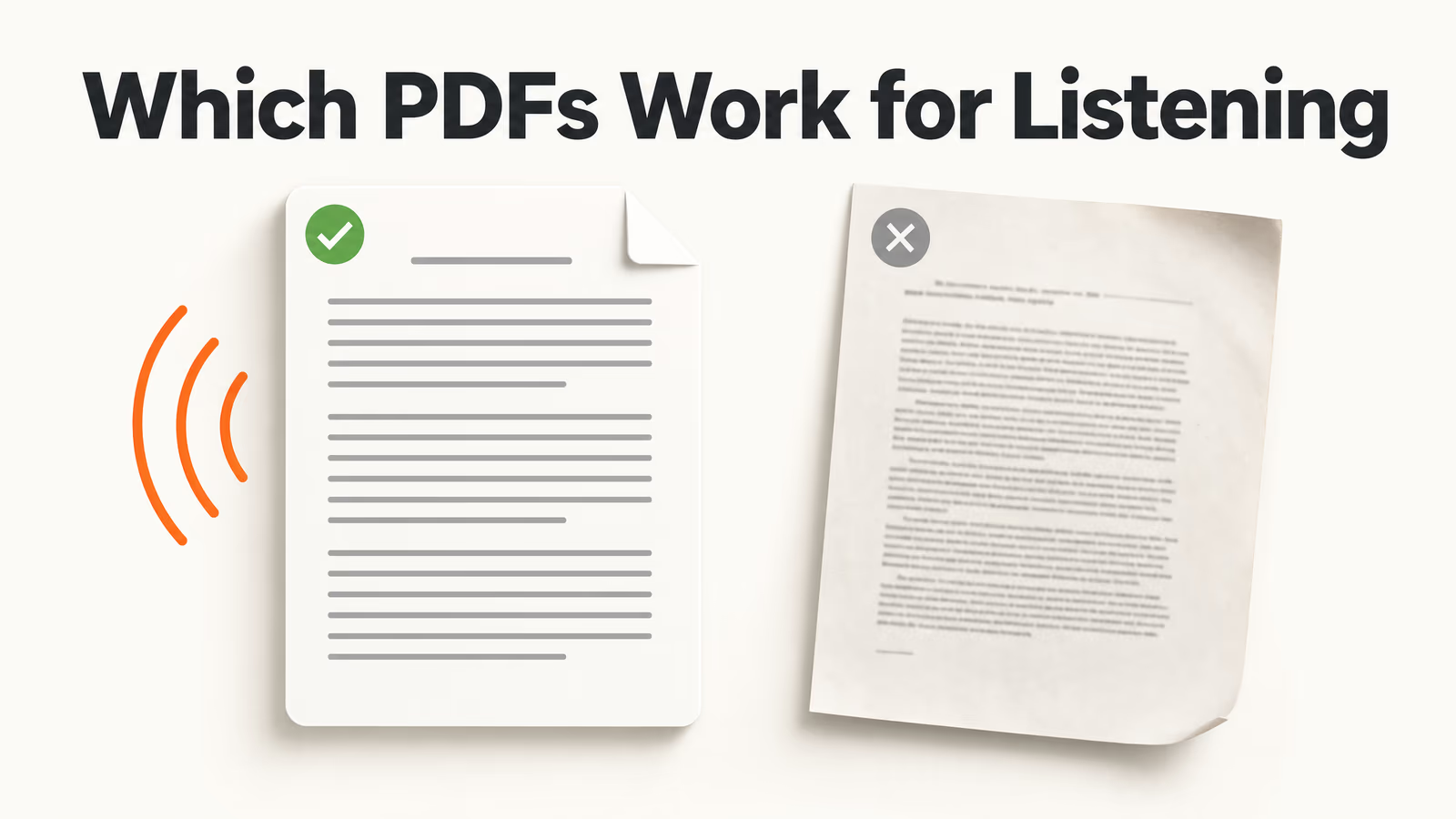
"Every guide tells you how to listen to a PDF. Almost none of them tell you which PDFs are worth listening to, so people lose an hour on a file that was never going to work."
Pressing play is the easy part. The part that decides whether the next hour is useful is a judgement you make before you press anything: is this particular file one that reads aloud well, one that needs your eyes, or one that should be turned into something other than audio entirely?
A PDF is a layout format, not a text format. It describes where ink goes on a page, and the text layer underneath is whatever the program that made it left behind. That one fact explains why a novel reads aloud beautifully and a two-column financial report turns into noise.
Key Takeaways
- Check the file before you commit an hour. Three tests take 30 seconds and predict almost every bad listening session.
- Layout decides quality, not the voice. Continuous prose works. Columns, tables, slides and equations fail for reasons no voice can fix.
- Mixed documents want a hybrid pass. Ears for the argument, eyes for the notation, and no pretending otherwise.
- A file that listens badly can still be useful. Listening is input; recall needs retrieval, so turn the awkward ones into questions instead of audio.
The Short Answer
Listen to PDFs that are continuous prose with a real text layer: reports, ebooks, articles, policy documents, single-column chapters. Read with your eyes anything built on a grid, and for mixed documents listen for the argument while looking at the figures. If a file fails all three, it is not a listening problem. It is a candidate for being turned into questions.
That sorting takes half a minute. The rest of this post is how to run each test, why the failures happen, and what to do with the files that fail.
The 30-Second Pre-Flight Check
Three checks, in this order, on any PDF you are about to listen to. Each one eliminates a different category of wasted hour.
1. Can you select the text? Open the file, try to drag-select a sentence, and watch what happens. If a text cursor appears and words highlight, there is a text layer and a reader has something to work with. If the whole page highlights as one block, or nothing highlights at all, the page is an image of text. That is a scan, and it needs character recognition before any voice can touch it. The scanned PDF reader runs that step for you, and the scanning guide covers the capture side.
2. Select a whole page and look at the order. This is the test almost nobody runs, and it is the most predictive of the three. Select everything on one page, paste it into any plain text box, and read the first few lines. If the sentences arrive in the order a human would read them, you are fine. If the end of one column is stitched to the start of the next mid-sentence, the reading order is broken, and audio will be fluent nonsense.
3. Count the paragraphs on a typical page. Flip to the middle of the document. Three or four paragraphs of running text means this file listens well. A table, a chart, five bullet fragments and a caption means the meaning lives in the spatial arrangement, which speech cannot carry.
The paste test: whatever you see when you paste a page into a plain text box is almost exactly what a reader will say out loud. If it reads as gibberish on screen, it will sound like gibberish in your ears. Thirty seconds here saves the hour.
Six Kinds of PDF, Ranked by How Well They Listen
Most PDFs fall into one of six shapes, and the shape predicts the listening experience far better than the subject does.
| Document shape | How it sounds | Verdict |
|---|---|---|
| Continuous prose Ebooks, reports, essays, policy papers | Clean, uninterrupted, close to an audiobook | Listen to all of it |
| Single-column textbook chapter Headings, boxes, occasional figure | Good, with stumbles at pull-quotes and captions | Listen, glance at the figures |
| Two-column academic paper Journals, conference proceedings | Depends entirely on reading order; citations interrupt constantly | Run the paste test first |
| Exported slide deck Lecture slides, pitch decks | Disconnected fragments; the meaning was in the talk, not the slide | Poor fit for audio |
| Tabular and financial Statements, data appendices, price lists | An unbroken stream of numbers with no row or column context | Read with your eyes |
| Forms and signed contracts Applications, leases, scanned agreements | Field labels and values separated, clause numbers read as digits | Read with your eyes |
Notice what does not appear in that table: voice quality, provider, price. Those matter once a document is in the top two rows. They change nothing for the bottom two.
Why Layout Decides This, Not Voice Quality
A PDF stores positioned glyphs, not sentences. When a reader extracts text, it is reconstructing a reading order that was never explicitly saved, and it does that from coordinates on the page. Four consequences follow, and all four are invisible until you hear them.
Columns have to be guessed. Nothing in a two-column paper states that the left column ends and the right begins. A good extractor infers it from the gutter and usually gets it right. A bad one reads straight across the page, producing sentences that are grammatical and meaningless. For papers specifically, the research paper walkthrough goes further into which sections survive audio.
Tables collapse into a queue. A table means something because a row intersects a column. Flatten it and the relationship is gone: you hear "revenue, 4.2, 3.8, 5.1, costs, 2.9" with nothing to attach the numbers to. No voice restores a second dimension.
Running headers interrupt. Page numbers, journal names and footnote markers sit in the text layer like anything else, so a reader may announce them mid-paragraph: 200 small derailments in a 200-page file.
Notation has no spoken form. An inline equation, a chemical formula or a citation cluster has no natural pronunciation. You will hear a plausible-sounding approximation with the meaning removed, which is worse than silence because it does not announce itself as a failure.
This is why "the best tool for listening to PDFs" is the wrong opening question. The right one is whether this file has a clean, linear text layer: if it does, almost any decent reader works, and if it does not, no reader saves it. What a PDF reader adds is keeping the highlight attached to the spoken sentence, so your eyes stay available for the parts that need them.
The Hybrid Pass: Ears for Argument, Eyes for Notation
Most real documents are mixed, so the useful question is not listen or read but which parts get which. The hybrid pass is deliberately unglamorous and it works.
- Listen with the document open in front of you. On a screen, with the spoken sentence highlighted, so the audio carries the prose while your eyes stay available.
- Let the voice own the connective tissue. Introductions, discussion, arguments, conclusions: the parts that are genuinely sentences. This is where listening is at its best and often faster than reading.
- Stop at every visual and look at it. When the voice reaches a table, a chart or an equation, pause and read it. Five seconds of eyes beats a minute of a voice attempting it.
- Mark the boundary before you stop. Audio has no spatial memory, so leave a marker at each pause or resuming means hunting.
Commute listening is a different mode with a harder limit: no eyes available, so it only suits the top of the table. Keep pure prose for the headphones and mixed files for the desk.
When the Answer Is No: Don't Force the Audio
A document that listens badly is not useless. Its value just needs a different shape, and this is where a reading tool and a study tool part ways.
Start from an honest premise about retention. Listening is an input activity, and so is reading. Neither one, done once, reliably puts anything into long-term memory. What does that is retrieval: being asked a question and having to produce the answer from your own head. So for a slide deck, a dense data appendix or a chapter you have already heard once, the highest-value move is not another pass of audio at a different speed. It is converting the file into something that interrogates you.
From one upload, with no retyping, the same PDF can become:
- A deck of flashcards for the definitions, dates and terms. This is exactly the material that reads aloud worst and spaces best.
- A practice quiz over the sections you flagged, which is the quickest honest check on whether the listening session actually landed.
- A two-host podcast that discusses the content instead of reciting it. For a slide deck this is often better than the deck: it restores the narration the slides were missing.
- A practice exam, a tutor session or a written set of notes on the parts the quiz exposed.
That is the argument for doing this in a document-to-study-set tool rather than a converter that only emits an audio file. The audio gets you through volume; the questions are what make the hours count. For the whole sequence in order, see the document-to-study-set system.
Fixing the File Instead of Fighting It
Three of the common failures are repairable in a couple of minutes, which is worth knowing before you write a document off.
| What you hear | The actual cause | The fix |
|---|---|---|
| Silence, or a warning about an empty page | No text layer: the page is an image | Use a reader that recognises characters automatically, then re-run the paste test |
| Fluent sentences that make no sense | Reading order stitched across a column gutter | Feed one column at a time, or re-export the source as a single column |
| Thirty pages of front matter before the content | Title pages, contents, acknowledgements all sit in the text layer | Extract the range you need; the page-splitting guide does it without uploading anything |
Always run the paste test on a page from the middle, not page one: front matter is clean in almost every document, and the middle is where the layout tells the truth.
Your First Five Minutes With a New PDF
The compressed routine, for a file you have never opened:
- Thirty seconds: try to select text; if the page highlights as one block, route it through character recognition before anything else.
- One minute: paste a middle page into a plain text box and read the first five lines. This is your audio preview.
- One minute: decide the shape from the six-row table and pick a mode. Headphones for prose, desk and screen for mixed, eyes only for grids.
- Two minutes: if it is a grid, a deck or a data appendix, stop trying to listen and generate a quiz or a card deck from it instead.
- Thirty seconds: set the speed and start. You now know what you are getting before you commit the hour.
For a long file, the triage is the first half of the job and the listening method is the second: two passes rather than one, split along the document's own structure. That is covered in listening to a long document. If you would rather hear a device do it for free with no upload, the per-device built-in guide covers iPhone, Android, Mac and Windows.
The One Thing to Remember
A PDF is a picture of a page with some text behind it, and how good that text is decides everything you will hear. Spend thirty seconds finding out before you spend an hour listening.
Take the file you were about to press play on and paste a middle page into a text box. Five lines will tell you whether to reach for headphones, for your eyes, or for a quiz.